# How and Why to Un-Reset Tailwind's CSS Reset
Original: https://swyx.io/writing/tailwind-unreset
Published: 2020-04-04
> 2021 edit: note that tailwind typography now comes with a not-prose class that unsets typography styles
> 2021 edit: note that [tailwind typography now comes with a `not-prose` class](https://tailwindcss.com/blog/tailwindcss-typography-v0-5#undo-prose-styles) that unsets typography styles
> 2023 update: you can also do:
> ```css
> .some-class {
> all: revert; /* locally remove tailwind styles */
> }
> ```
Tailwind CSS comes with a great CSS Reset, called [Preflight](https://tailwindcss.com/docs/preflight/#app). It starts with the awesome [Normalize.css project](http://necolas.github.io/normalize.css/), and then nukes all default margins, styling, and borders for every HTML element. This is so that you have a consistent, predictable starting point with which to apply your visual utility classes separate from the semantic element names.
That's great. So why would you want to _unreset_ a CSS Reset?!
> [Note from Adam Wathan](https://twitter.com/adamwathan/status/1246426888454750209?s=20) - they are working on a [Tailwind plugin](https://pensive-agnesi-f6bc76.netlify.com/) to do this for you *properly* rather than my janky unofficial solution. See also [his talk on Tailwind CSS Best Practices](https://www.youtube.com/watch?v=J_7_mnFSLDg&feature=youtu.be&t=727).
## The Why
Without unresetting, here's how this post you're reading would look on [my own demo site](https://github.com/sw-yx/smaller-safer-serverless-starter):

This is because this blogpost is authored in Markdown, processed through [JDown](https://github.com/DanWebb/jdown), and then rendered into our Next.js app with [React's `dangerouslySetInnerHTML` API](https://reactjs.org/docs/dom-elements.html#dangerouslysetinnerhtml). Despite the name, this is the main way to inject externally generated HTML into Preact/React pages:
```jsx
```
However, this content comes _without_ any Tailwind classes, and because I'm writing this in Markdown, there's really [no way to add the Tailwind classes in to each element](https://www.swyx.io/writing/markdown-mistakes/#4-no-syntax-for-adding-classes) - nor really would you want to.
The solution, [prescribed on the Tailwind docs](https://tailwindcss.com/docs/adding-base-styles/), is to Add Base Styles for the components you want to render like "normal". Effectively doing a CSS "Un-reset"!
## The How
I'm not the first to this idea - and a quick trip to Google yielded this [Unreset.scss](https://raw.githubusercontent.com/ixkaito/unreset-css/master/_unreset.scss) file. Assuming you're using SASS, you could basically copy it over to your `tailwind.scss` and namespace it under an `unreset` class:
```scss
.unreset {
// paste unreset.scss here!
}
```
And then in your JSX, you can add that `unreset` class in:
```jsx
```
Job done! Right?
## The How - Tailwind style!
Nah, I still don't love it. First of all, any customization to colors and margins that you've done won't be respected, because you've "Un-Reset" them to [magic numbers](https://twitter.com/adamwathan/status/939843271768948736). Your blog content will look inconsistent from the rest of your site 💩
The Tailwind Way™ to do it would be to go through all the `unreset.css` styles and translate them to Tailwind classes as far as possible, so that they will conform as close as possible.
```scss
.unreset {
a {
@apply text-blue-700 underline;
}
p {
@apply my-4;
}
// etc...
}
```
Since [Tailwind's Preflight CSS Reset](https://unpkg.com/tailwindcss@1.2.0/dist/base.css) doesn't reset absolutely _everything_, you should really diff Preflight against `unreset.css` in order to figure out what to unreset, so as not ship excess CSS.
Sound like a chore? It is. **[I've done it for you here!](https://gist.github.com/sw-yx/28c25962485101ca291ec1947b9d0b3e)**. You can also [see it in action on this demo](https://github.com/sw-yx/smaller-safer-serverless-starter).
## Video Demo
I recorded this as a video for my ongoing Dev.to CMS project!
- Youtube Link: https://youtu.be/iLEYtgBezhs
- Dev.to Embed: {% youtube iLEYtgBezhs %}
## Conclusion
Here's my demo site after unresetting:
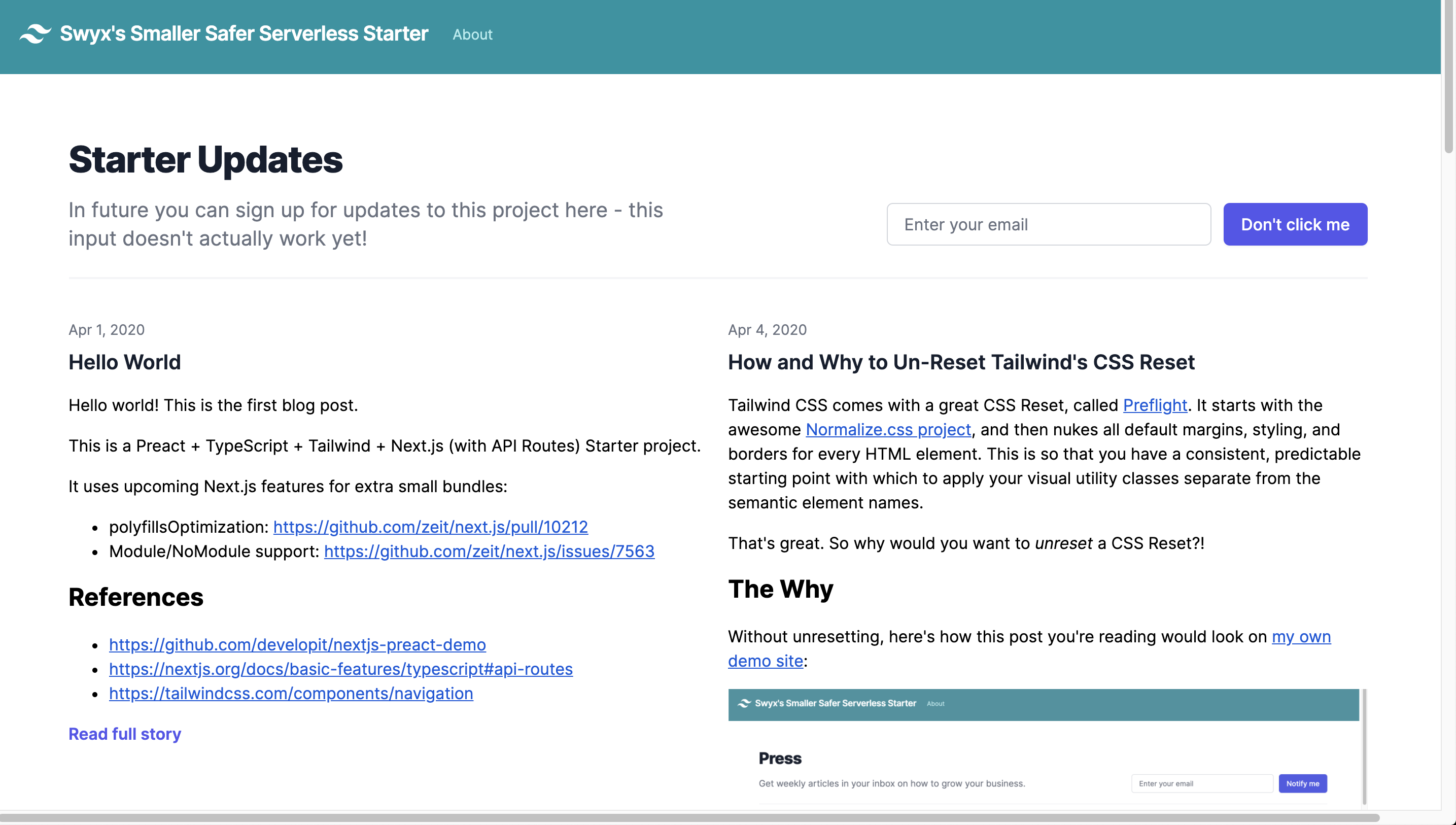
Of course, like everything Tailwind, feel free to customize to match your exact usecase. I just helped you get started.
That's it for this blogpost, thanks for reading!